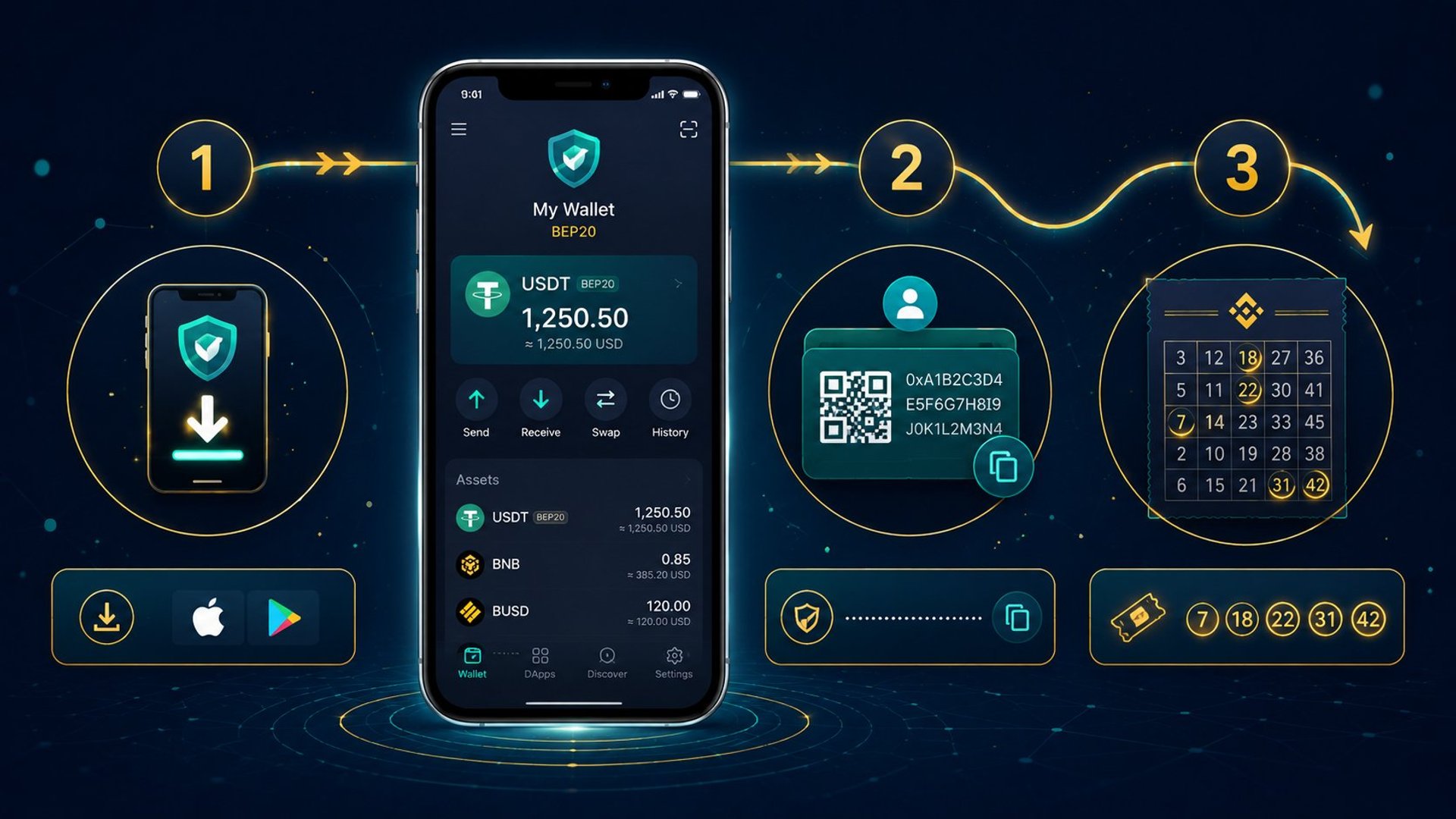
How to Set Up a USDT BEP20 Wallet to Enter a Crypto Lottery
You don't need to be a crypto expert
If you want to enter CryptoPot but you've never used crypto before, this guide covers everything from scratch. By the end you'll have a wallet set up, USDT on the Binance Smart Chain, and be ready to buy your first ticket.
The whole process takes about 15 minutes.
What you need before you start
- A smartphone (iOS or Android) or a desktop browser
- Some money to buy USDT — tickets are ~$10 USDT each
- An email address to register your CryptoPot account
That's it. No ID verification is required to set up a wallet.
Step 1: Choose a wallet
You need a wallet that supports USDT on the BEP20 network (also called the Binance Smart Chain or BSC). The two most commonly used options are:
Trust Wallet — mobile app (iOS and Android). Beginner-friendly, built-in support for BEP20 tokens, and has a built-in way to buy crypto directly inside the app. Recommended if you're starting fresh on mobile.
MetaMask — browser extension (Chrome, Firefox, Brave) and mobile app. Slightly more technical to set up for BEP20 (requires adding the Binance Smart Chain network manually), but widely used and well-supported.
Either works fine for CryptoPot. This guide uses Trust Wallet for the main steps, with MetaMask notes at the end.
Step 2: Download and install Trust Wallet
- Go to the App Store (iPhone) or Google Play Store (Android) and search Trust Wallet
- Download and install the official app (developer: Trust Wallet)
- Open the app and tap Create a new wallet
You will be shown a 12-word recovery phrase (also called a seed phrase). This is the master key to your wallet.
Write it down on paper. Store it somewhere safe and offline. Do not take a screenshot. Do not share it with anyone — ever. Anyone who has these 12 words controls your wallet.
Confirm the recovery phrase when prompted. Your wallet is now created.
Step 3: Find your BEP20 wallet address
Your wallet address is the string of letters and numbers that starts with 0x. This is what you give to CryptoPot when you register — it's where your winnings will be sent if you win.
In Trust Wallet:
- Tap the Receive button on the main screen
- Search for USDT
- Select Tether (BEP20) — make sure it says BEP20, not ERC20 or TRC20
- Your wallet address is displayed with a QR code
Copy the address or tap to copy it. This is your BEP20 wallet address.
Important: Always double-check that you select the BEP20 version of USDT, not ERC20 (Ethereum) or TRC20 (Tron). Sending USDT on the wrong network means it will not arrive in your wallet.
Step 4: Buy USDT BEP20
You need USDT on the BEP20 network in your wallet before you can buy a CryptoPot ticket. There are a few ways to get it:
Option A: Buy inside Trust Wallet (easiest)
Trust Wallet has a built-in purchase option powered by third-party providers (MoonPay, Transak, and others). You can buy USDT directly with a credit/debit card and it arrives in your wallet within minutes.
- Tap Buy on the main screen
- Search for USDT and select the BEP20 version
- Enter the amount (buy at least $15 to cover your first ticket plus a small buffer for fees)
- Follow the on-screen steps to complete the card payment
Fees vary by provider — typically 2–4% on card purchases. This is a one-time friction; once your wallet is funded it stays funded until you spend it.
Option B: Transfer from an exchange (Binance, Coinbase, Kraken, etc.)
If you already have USDT on an exchange:
- Go to your exchange's withdrawal section
- Select USDT
- Select the BEP20 or BSC network (the naming varies by exchange — look for Binance Smart Chain)
- Paste your Trust Wallet BEP20 address as the destination
- Enter the amount and confirm
Double-check the network. Selecting ERC20 or TRC20 instead of BEP20 on a withdrawal will send funds to the right address on the wrong network — they won't appear in your Trust Wallet BEP20 balance.
Option C: Buy BNB and swap to USDT
BNB is the Binance Smart Chain's native token. You can buy BNB on most major exchanges, transfer it to your BEP20 wallet, and then use Trust Wallet's built-in swap feature to convert it to USDT. This is slightly more steps but can be cheaper on fees depending on your exchange.
Step 5: Check your balance
Once your USDT arrives, open Trust Wallet and look for Tether (BEP20) in your token list. If you don't see it:
- Tap the toggle icon at the top right
- Search for USDT
- Enable Tether (BEP20)
Your balance should now show. You're ready to enter CryptoPot.
Step 6: Register at CryptoPot and enter your ticket
- Go to cryptopotgame.com/enter
- Create your account with your email address
- Enter your BEP20 wallet address — this is where winnings will be sent
- Choose your ticket: pick 5 numbers from 1 to 35
- Complete payment via NOWPayments — you'll be shown a BEP20 deposit address to send your USDT to
- Once payment confirms on-chain, your ticket is registered for the draw
Ticket sales close every Sunday at 6:00 PM Atlantic Standard Time (AST). The draw runs at 8:00 PM AST the same evening. If you enter before the deadline, you're in.
Do you need BNB for gas fees?
Yes — but only a small amount, and you may already have it covered.
BEP20 transactions (including sending USDT) require a tiny amount of BNB to pay for network gas. This is usually $0.01–$0.05 per transaction.
When you buy USDT inside Trust Wallet, some providers will include a small BNB top-up automatically. If you transferred USDT from an exchange, you may need to buy a small amount of BNB separately (a few dollars covers hundreds of transactions).
Check your Trust Wallet balance for BNB — if it shows anything above zero, you're fine for the foreseeable future.
MetaMask users: adding the Binance Smart Chain network
MetaMask defaults to Ethereum. To use it for BEP20 tokens, you need to add the Binance Smart Chain network manually:
- Open MetaMask and click the network dropdown at the top
- Click Add network
- Enter the following details:
| Field | Value |
|---|---|
| Network Name | BNB Smart Chain |
| New RPC URL | https://bsc-dataseed.binance.org/ |
| Chain ID | 56 |
| Currency Symbol | BNB |
| Block Explorer URL | https://bscscan.com |
- Save and switch to the BNB Smart Chain network
- Add USDT as a token: tap Import tokens, paste the contract address
0x55d398326f99059fF775485246999027B3197955, and confirm
Your MetaMask wallet now supports USDT BEP20. Your wallet address (starting with 0x) is the same address you use for CryptoPot registration.
You're ready
Once your wallet is set up and funded, entering CryptoPot takes about two minutes. Pick your numbers, send your USDT, and you're in the Sunday draw.
Frequently asked questions
Can I use the same wallet address every week? Yes. Your wallet address is stored against your CryptoPot account. You register it once and all future winnings go to the same address automatically.
What if I send USDT on the wrong network? If you send ERC20 or TRC20 USDT to your BEP20 wallet address, it will not appear in your Trust Wallet BEP20 balance. Recovery is sometimes possible but complex. Always verify the network before confirming any transfer.
Is my wallet address safe to share with CryptoPot? Yes. A wallet address is public information — it is how you receive crypto. Sharing it does not give anyone access to your funds. Your private key and recovery phrase are what must never be shared.
What if I win and I've changed my wallet address? Contact CryptoPot support before the draw closes for the week. Payout addresses are locked at the time of the draw and cannot be redirected after the fact.
Want to understand the full draw process before entering? Here's how CryptoPot works →
Concerned about whether a crypto lottery is legitimate? Here's what to check →
Enter This Week's Draw
Pick 5 numbers from 1–35. Tickets close Sunday 6 PM AST — draw at 8 PM.
Enter Now